Push to deploy, one switch
Turn push to deploy on or off from a site’s settings in Unolia, on Laravel Forge, Ploi and Laravel Cloud, and see the state the provider confirmed.
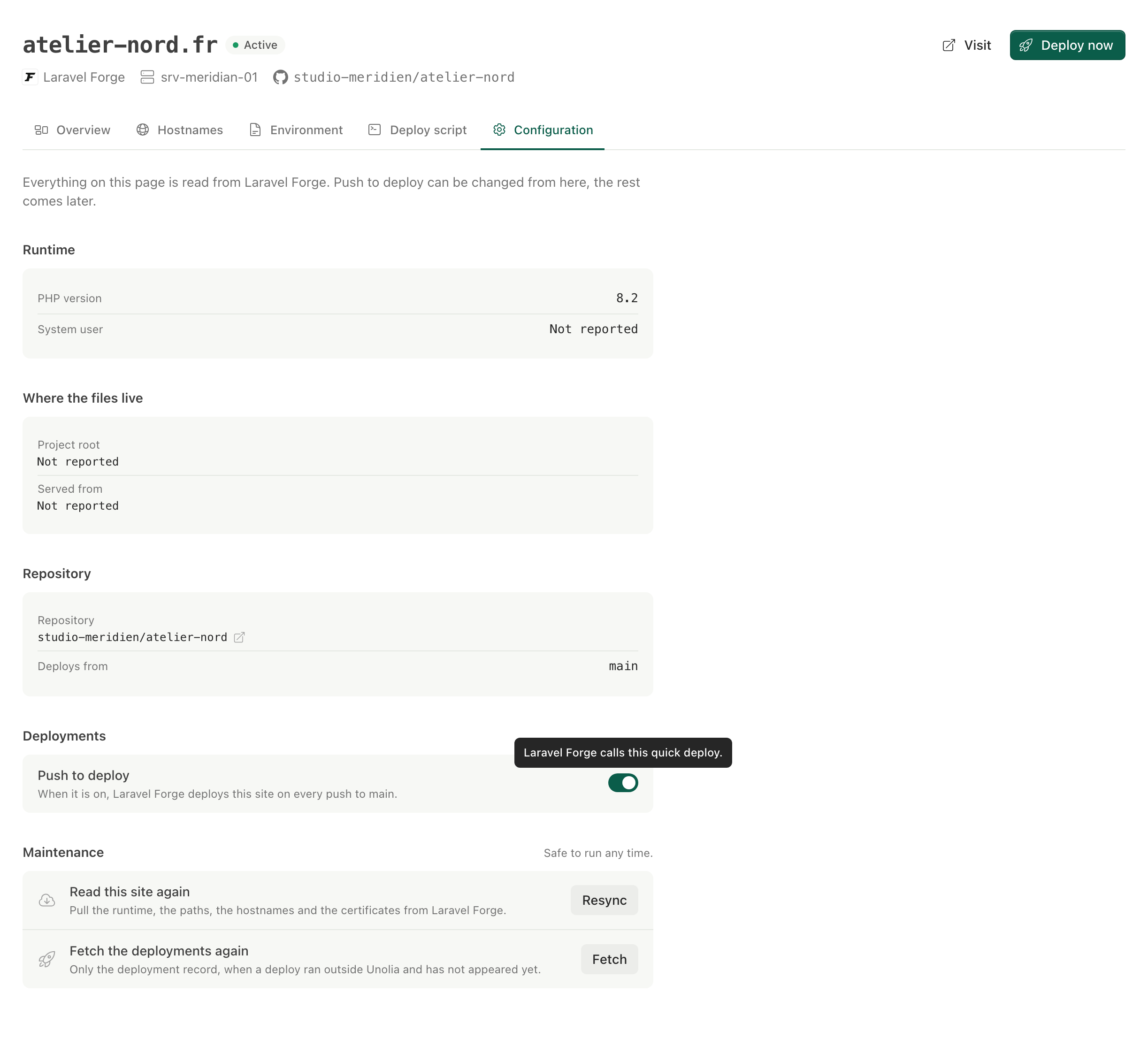
Push to deploy is the setting that makes a host redeploy a site on every push to its branch. Forge and Ploi call it quick deploy, Laravel Cloud calls it push to deploy, and until now you changed it in three different places.
A site’s settings page in Unolia now has one switch for it, on Laravel Forge, Ploi and Laravel Cloud. Flip it and Unolia sends the change to the provider, waits for the provider to confirm the new state, and only then shows it. While that is in flight the switch says it is applying, and if the provider does not confirm, you are told rather than shown a switch that lies.
Two honest cases stay visible. A site with no repository linked at the provider has nothing to deploy on push, so the switch stays off and says why. A site the provider has not reported the setting for reads Not reported instead of Off.
Changing it takes the same permission as triggering a deploy.