Schedule automations in plain language
Pick when an automation should run, choose your timezone and check the next runs before saving.
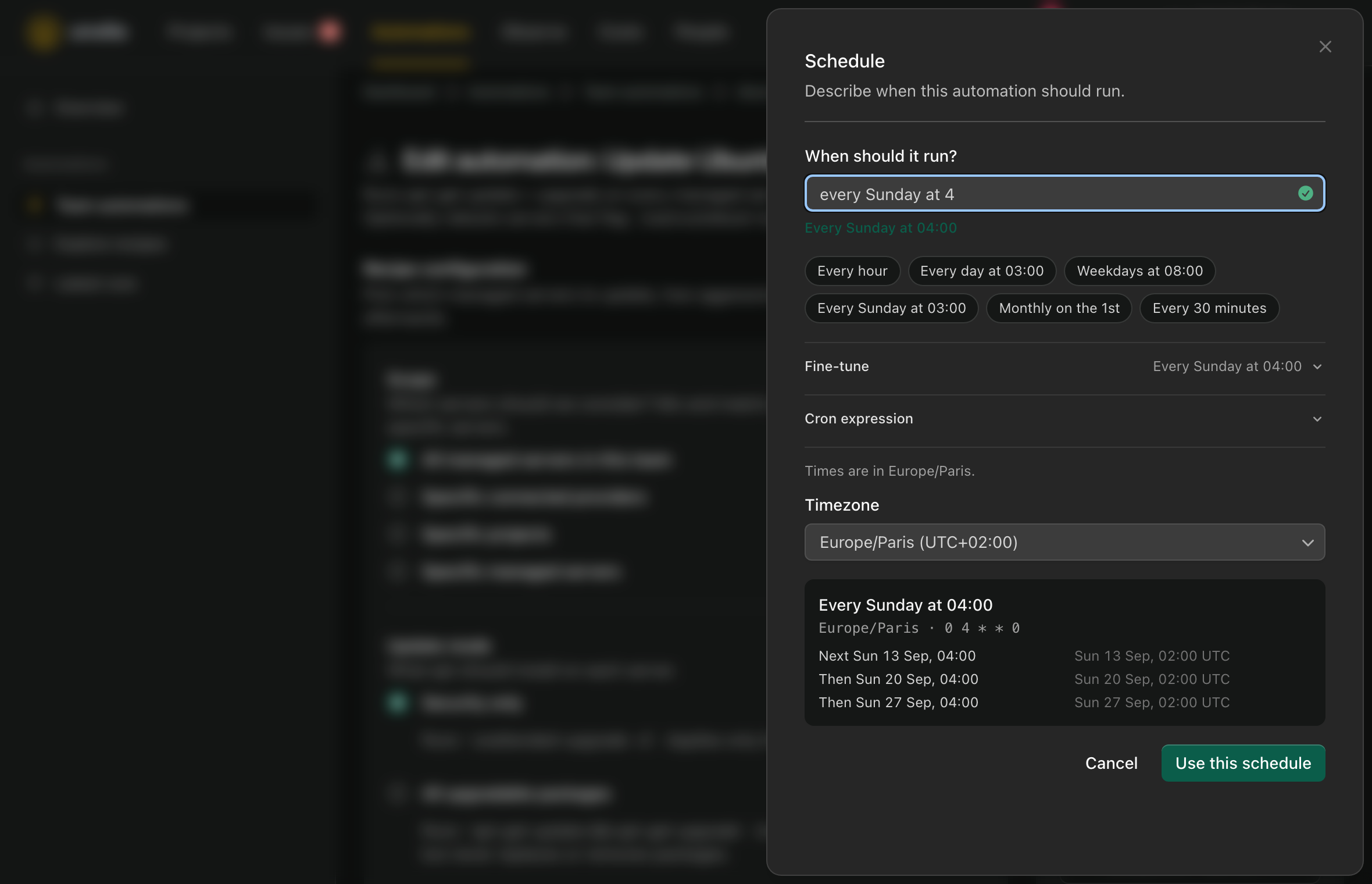
I’ve made scheduling automations simpler. You can now type “every Sunday at 4” or “weekdays at 8:30” and see exactly when the automation will run.
The old form asked for a cron expression. That works, but it’s a lot to ask when all you want is to run your server updates on Sunday morning. The new picker understands common schedules in English and French. You can also choose a preset or use the controls to pick your days and times.
Each automation has its own timezone, and the preview shows the next few runs before you save. Existing schedules keep their timezone, so this update won’t quietly move a job to a different hour.
If you need a more specific schedule, the cron field is still there under “Cron expression”. For the everyday ones, a sentence is enough.